There are two balances every AI assistant has to get right.
One is between being fast and giving an actually useful, in-depth answer - lean too far one way and users wait forever, lean too far the other and they walk away with something shallow.
The other is between the flexibility of a natural conversation and control over the steps the assistant walks the user through. If it’s too loose, the assistant feels unpredictable. But if it’s too tight, it feels restrictive.
On the speed / depth side, our assistants are now meaningfully smarter at reasoning over complex documents - the dense, multi-product manuals that have always been the hardest material for retrieval to handle well - and they narrate what they're doing during longer waits, so the experience stays snappy even when the work isn't.
On the flexibility / control side, we shipped Instruction sequences: a way to chain multi-step journeys end-to-end, with real branching and builtin escalation. The user keeps the natural feel of the conversation; you keep explicit control over the path.
And additionally, we have a bunch of other useful updates, so let's dig in!
Smarter generative answers from complex documents
Mavenoid has always been built for the harder end of the product support spectrum: brands with complex products and large product portfolios, where the documentation runs to 1000-page dense, multiproduct manuals, intricate spec sheets, region- and configuration-specific instructions, and diagrams stuffed with details. That's where generative AI typically struggles - and it's exactly where we want to be the best.
For brands with simple knowledge bases, generative answers mostly "just work" - and they have for some time.
The interesting question has always been the other end of the spectrum, which is also where most of our enterprise customers actually live. Our existing document understanding engine has been doing impressive work on enterprise docs, with a heuristic-based detector spotting complex pages well enough across most use cases. But as the density and intricacy of content our biggest customers bring keeps climbing, we saw a clear opportunity to take quality to another level.
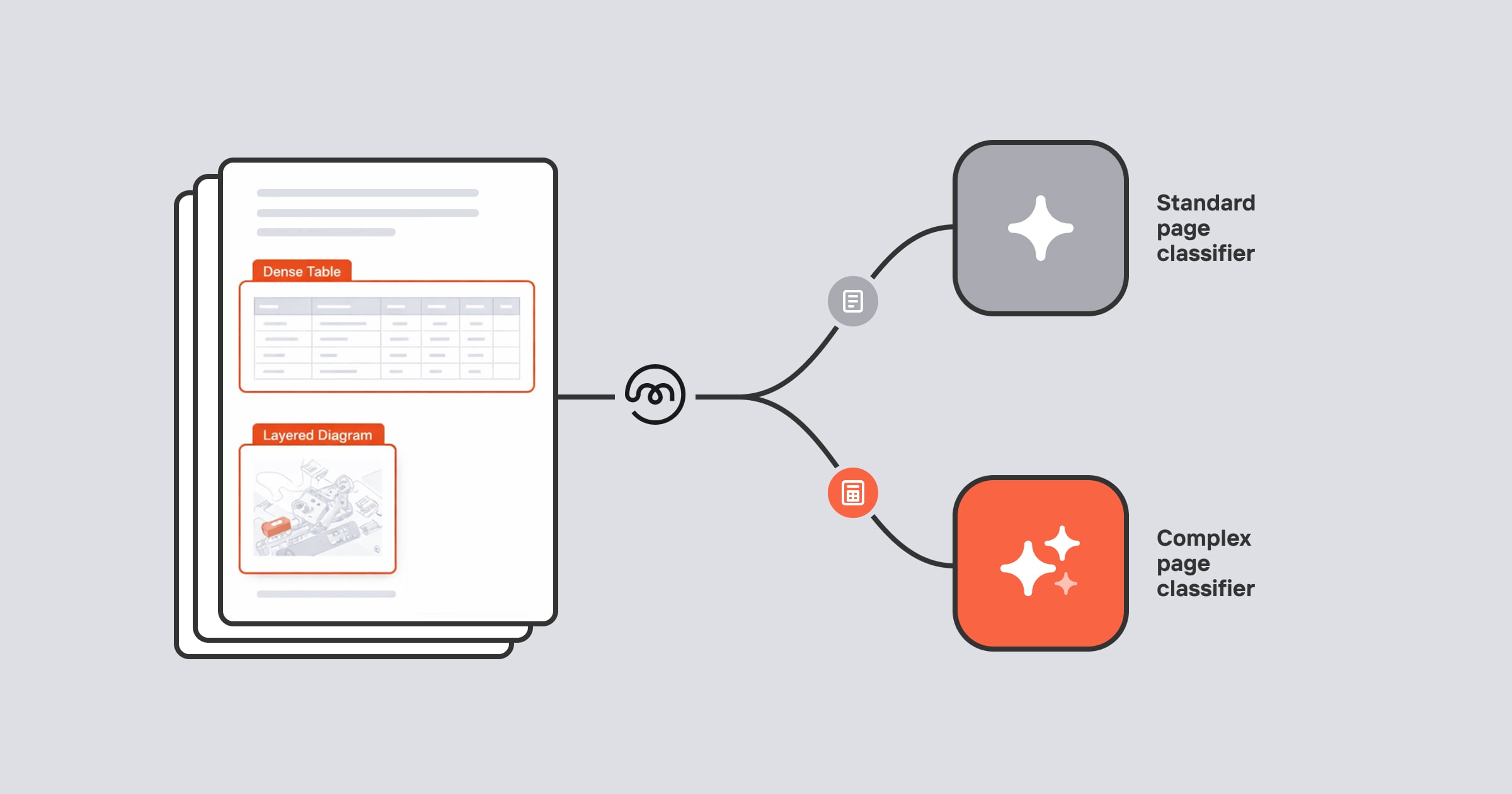
This month, we've upgraded to a much smarter “complex page classifier”. Simple pages still flow through the standard process; but genuinely complex ones - dense tables, multi-product spec sheets, cross-referenced diagrams - get routed to a more and a smarter AI, purpose-built for exactly this kind of content.
Why this matters
An AI's answer is only ever as good as its understanding of the underlying page. If the document-understanding layer doesn't pay close enough attention to complex content - dense tables, multi-product spec sheets, cross-referenced diagrams - it misses the details that make the difference between a truly useful answer and a confidently wrong one. Raising the bar at the document-processing layer translates into measurably better answers in the cases that are hardest for any AI to get right.
We've turned this on for a couple of brands in beta - with broader rollout to follow in the next couple of weeks.
"Thinking" messages: the assistant shows its work
Generative answers aren't instant. For harder questions - or when the assistant has to look across a lot of complex documents - it can take a few seconds to come back with a good answer.

With the recent change, our generative assistants narrate what they're doing while they work. At around 4 seconds, the assistant shows a "working…" indicator. At 8 sec, it switches to contextual fillers like "extracting information" or "looking deeper into this" - small things, but they make a real difference in how the wait feels. This is live platform-wide across all our assistants and Dynamic Help Centres. No setup needed, and it works in every language we support.
It pairs especially well with the complex page detection work above: when the assistant is genuinely working harder on a tougher question, users now have a signal that something thoughtful is happening.
Instruction sequences: build guided, multi-step journeys that actually flow
Mavenoid has supported multi-step conversations for a long time, and our customers have built impressive flows on top of our intent-based routing.
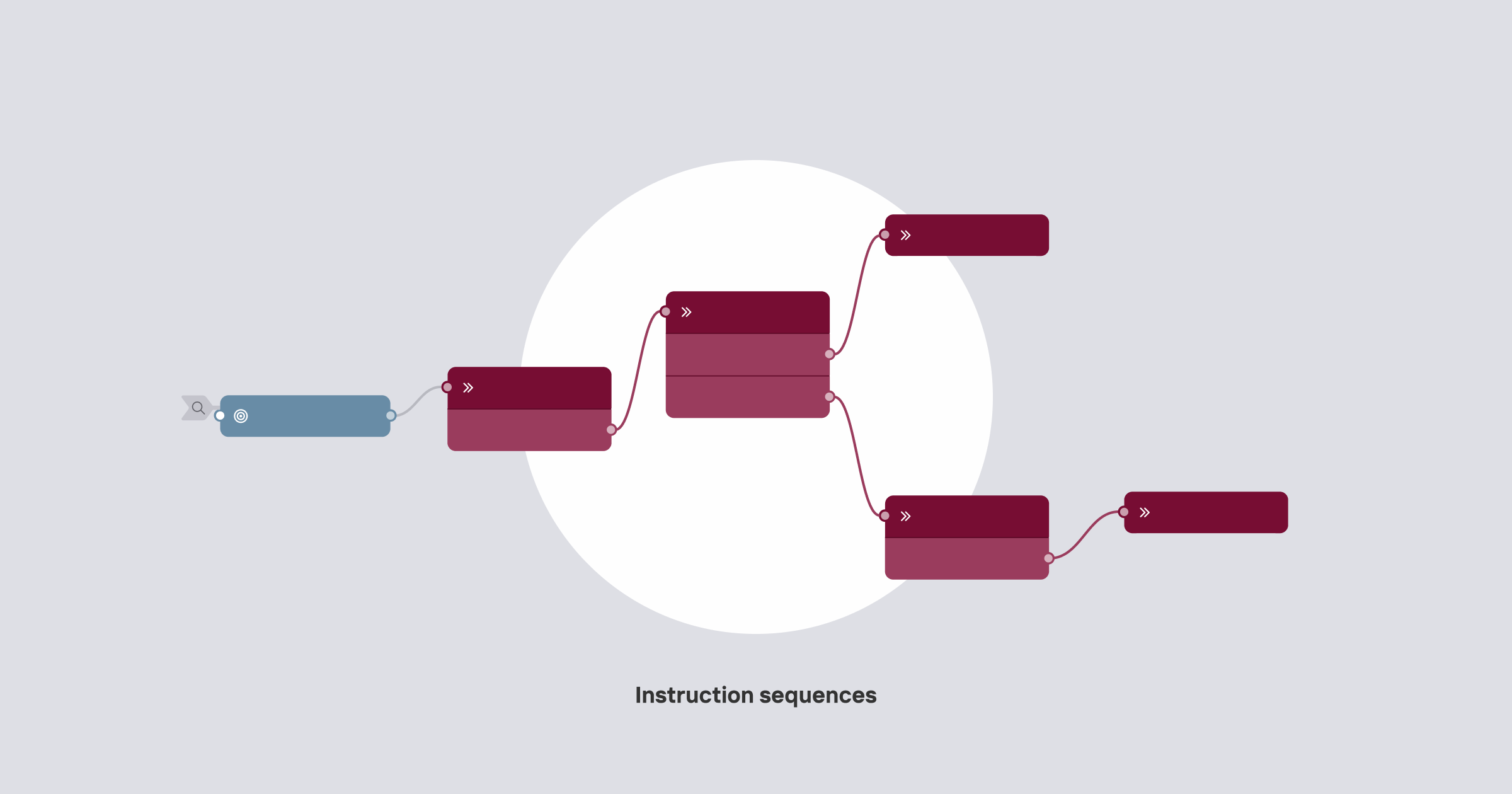
Instruction sequences in Voice Assist take this a major step further: you can now chain instructions into a proper sequence, where the assistant walks the user through one step at a time and moves to the next based on what they say.
This is what unlocks the harder voice use cases - and customers running complex troubleshooting flows have been asking for it specifically. Picture a diagnostic conversation where the answer at step 1 determines whether the customer goes to step 2 or step 7, with the path branching again from there. Our Digital Hybrid mode has supported this kind of structured guidance for a while; Instruction sequences bring the same control to Voice (and to chat) - while keeping the conversation feeling natural.
Why it matters
- One readable journey. A descaling guide, an onboarding flow, or a troubleshooting path lives as a continuous sequence - easy to follow/update
- Real branching based on what the user actually says. A step can route to different next steps depending on the answer - "does your machine have a water filter?" automatically sends the user down the right path
- Users stay in charge of the conversation. Sequences guide the steps, but users can change topic at any point - the assistant follows the structure without sacrificing the natural flexibility of the conversation.
- Escalation built in. Any step in the sequence can hand off to a human the moment something needs it - escalation lives inside the journey by design
- Easier to build, easier to get right. Each step is defined by separating when it should fire from what it does - so the assistant knows exactly when to move forward, with much less room for mix-ups.
How it works
Each step in a sequence is an instruction - a short description of what the assistant should do at that point in the conversation. When that step's condition is met (the user has given an answer, a lookup has returned a result, and so on), the assistant moves straight to the next instruction. Branches, tool calls, and escalations all live inside the same sequence, so the journey reads as one coherent path from the first step to the last.
Voice Assist: more cost-efficient, more granular
Two updates this month substantially change the economics and the analytics of running Voice Assist at scale.
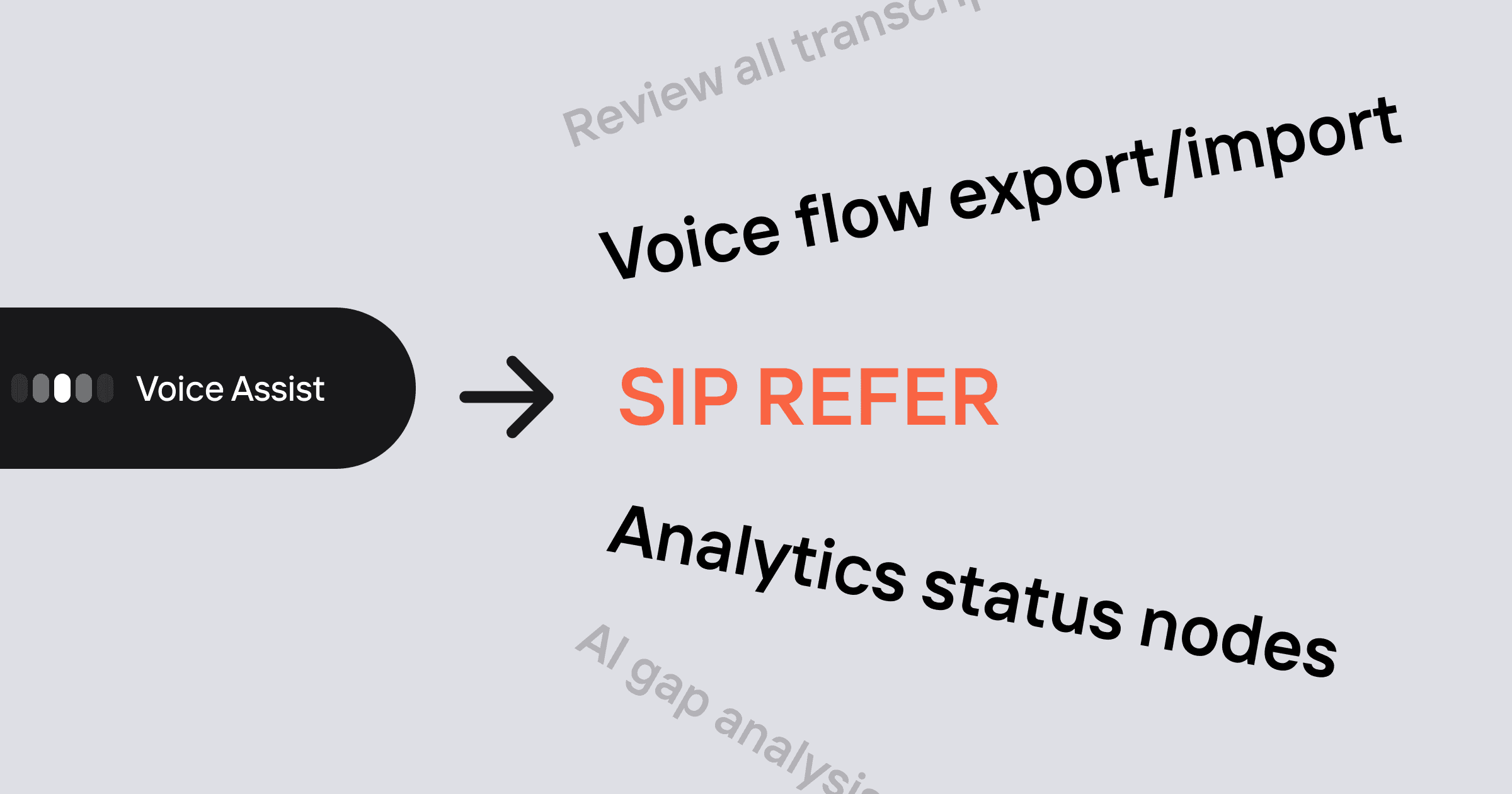
SIP REFER: no more double billing on escalations
Until now, when Voice Assist handed a caller off to a human agent, Mavenoid stayed bridged in the middle of the call. That meant brands were billed for two telephony legs on every escalation minute - their leg to us, and our leg out to the human agent.
With SIP REFER support, Voice Assist now drops off the call completely after escalation. The audio path goes directly from the contact centre to the human agent, with no Mavenoid leg in the middle - and no double telephony charges. It unlocks cost-efficient integrations with the broad ecosystem of contact centre platforms.
Analytics Status nodes in Voice
Voice conversations are nuanced. An escalation where we captured everything the human agent needs is a success, not a failure; an out-ofhours triage is its own kind of outcome; a warranty handoff is different from a billing one.
Until now, voice flows leaned on an AI-judged outcome to summarise all of that. The new Analytics Status node adds more nuance - with the ability to lets you mark exactly how a conversation should be counted, branch by branch.
Set Open, Resolved or Escalated on any path, and optionally attach labels like Smart triage, Ticket raised, Live support or anything custom your brand needs. Both the AI judge's outcome and the flow-assigned status show up side by side in transcripts, so you keep full visibility into how each was reached. Analytics dashboards will catch up to these statuses and labels, making voice reporting much more precise.
A more flexible hybrid Dynamic Help Centre homepage
The Dynamic Help Centre homepage is where almost every customer lands first - it sets the tone for the whole experience.
Now the DHC homepage supports a hybrid layout: a global generative search field at the top, plus as many additional blocks as you'd like underneath - curated menus, forms, shortcuts, agent connection, you name it. Users get the speed of search and the structure of curation in the same view.
A few more things for admin teams
Review all transcripts inside an AI Gap
AI Gap Analysis now lets you open a gap and review every transcript that contributed to it with a single click - much faster than the previous one-at-atime flow, and especially handy when you're triaging a long list of gaps.
Voice flow export/import, now for admins
Exporting and importing Voice flows is now available to all admins - which makes it much easier for customer teams to work on flows externally, including with AI assistants like Claude or ChatGPT.
Got you curious?
If you'd like to see any of these capabilities in action, reach out to your Mavenoid contact or request a demo.
Until next time!