We’ve all heard the cliché saying that “a picture is worth a 1000 words” - but in product support for physical devices, it’s actually true.
During my 5 years at Mavenoid I analysed 1000s of support conversations, seeing the same popular pattern:
- Customers struggle to describe their issue (a blinking light, cryptic error, combination of icons etc); they either give incomplete/vague description or too many irrelevant details
- Agents (human or AI), in return, also struggle to explain how to fix it in clear steps that are easy for an average person to follow.
This leads to lots of wasted time - which we all see in long AHT and multiple “touches” needed to resolve a typical case.
This isn’t just my experience; N/Ng’s study on the “articulation barrier” estimates only 10-20% of users in high-literacy(!) countries can express their requests clearly in writing. That’s a big gap for any AI that depends on text input.
Another large-scale study (747k chats, 146k users) showed that multimodal chatbots where text is combined with images and/or audio - drive significantly better engagement (+36%) and, scientifically speaking, “optimize cognitive processing and facilitate richer information comprehension”. In simple teams - they make information accessible and easy to understand.
That’s why we’re investing in multimodal AI agents - both for intake (users asking questions with text + image) and output (answers that include guides, visuals, videos). It’s not just for a “nice UX” - but a necessity for accurate, efficient product support.
Which brings me to our recent updates!
Customers can ask questions with images
We call this Vision Assist, and it now works across all Mavenoid digital assistant setups - generative, hybrid and curated.
You can ask customers to upload a photo/screenshot alongside their question, and the assistant reasons over both together.
This is especially powerful for troubleshooting devices with screens. Instead of asking customers to explain what’s blinking, which icon is lit or what an error message says - simply prompt them to send a picture and describe what happened. The same applies to companion apps. If Wi‑Fi is failing to connect or a setup flow is stuck, an app screenshot is usually far clearer than a long written explanation.
It’s also useful for product identification. Many users don’t know the exact model they own, and without that, nuanced troubleshooting isn’t possible. With images, customers can show their product - and the assistant can use that to give precise steps.
Finally, Vision Assist helps reduce back-and-forth in escalations, warranty claims or product registrations - where a large share of requests are rejected/delayed because the user didn’t attach the right proof of purchase, or their image doesn’t show the damage. Now the AI assistant can catch that upfront, avoiding wasted cycles for both sides (customer and agent)
AI agent will include images into answers, too
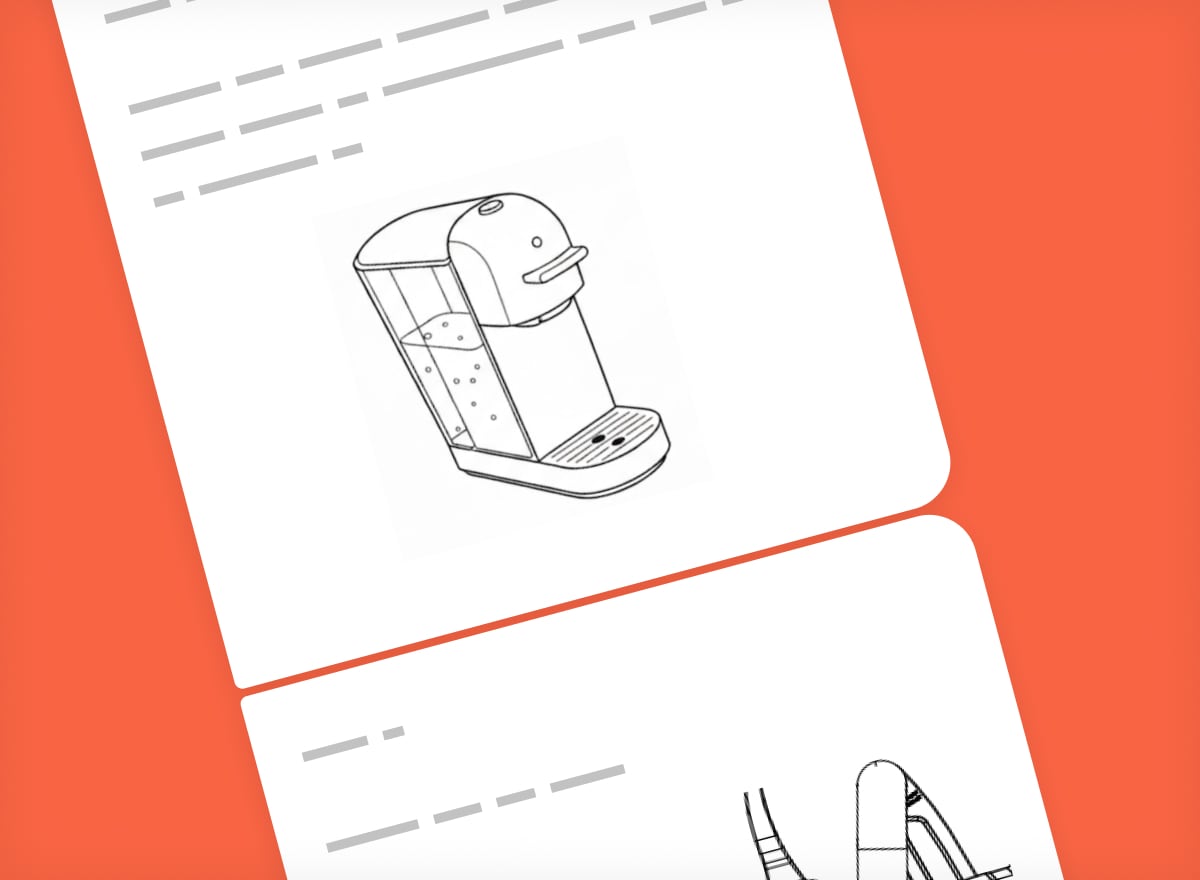
Now to fix the other side of the struggle - explaining steps to customers - Mavenoid assistant can now include relevant visuals directly in its answers - to help explain things more clearly. It selects and inserts the image automatically, based on what the answer is about, and only when it actually adds value.
This works with any imported help content that includes images - e.g. from Zendesk, your private knowledge base, or website articles. We can extract images from most manuals, too.
Next, we’ll be experimenting with adding support for multiple images per answer and even short videos - so generative actions can feel more like “tutorials”/step-by-step guides.
Multimodal in-browser on your website or app
Now imagine taking multimodal even further - so your customers can speak directly to an AI assistant right on your website or app! Not just typing but speaking, sending pictures, and receiving real-time, personalised assistance - all simultaneously. This vision is now a reality with our Multimodal-in-Browser, currently in beta.
It dramatically streamlines complex processes and the ability to solve problems that were previously hard or even impossible in a single interaction.Consider filing a warranty claim. Traditionally, this might involve multiple calls, follow-up emails and attachments. With Multimodal-in-Browser, a customer can:
- Speak their issue directly to your website/app assistant
- Upload a photo of the faulty product right away
- Send their proof of purchase – all within one continuous, fluid conversation.
This slashes the time to complete such complex tasks from “days” to “minutes”, delivering an incredibly pleasant and efficient customer experience.
See it all in action - live in Amsterdam
We’re excited to be hosting the Product Support Summit in Amsterdam this March.
It’ll be a deep dive into multimodal support - voice, text, images, actions - all in one seamless conversation. We introduced multimodal in the November 2025 update and now we’re going further, with live demos, real use cases and customer showcases.
Register here if you’re interested in how AI is transforming support - from product selection and pre-purchase help to troubleshooting and upgrades.
We’d love to see you there!